
Electronics need more than a quick wrap and a label before moving day. Computers, monitors, TVs, printers, gaming systems, and specialty devices can be damaged by impact, pressure, static electricity, moisture, temperature changes, and poor cable organization. A good packing plan protects the device itself, but it also protects your data, accessories, setup time, and potential valuation claim if something goes wrong.
At Dan’s Van Lines, we help homeowners, renters, and businesses move throughout Alexandria and Northern Virginia, and electronics are often among the items customers worry about most. If you have questions before packing, you can reach out to us for practical guidance on preparing delicate items for a move.

Start by Preparing Electronics Before Any Box Is Packed
The safest electronics move starts before the first sheet of bubble wrap is used. Preparation reduces the chance of data loss, mechanical damage, cable confusion, and leaking batteries or cartridges. This is especially important for computers, office equipment, and entertainment systems with multiple connected parts.
Before packing a computer, back up important files to external storage or cloud storage. Moving and storage guidance recommends backing up data because hard drives can be affected by jolts, vibration, and temperature changes during a move. Strong passwords are also recommended so personal or business data stays protected if a device is misplaced or stolen.
Devices should be fully shut down through the operating system before unplugging power. For desktop computers, this includes shutting down properly before turning off the rear power switch or surge protector. Any discs should be ejected, drives should be closed, and connected peripherals should be disconnected only after the device is powered down.
Batteries and consumables should also be removed. Batteries left inside remotes, portable electronics, or peripherals can overheat, leak, or corrode during transit, especially in warm trucks or storage spaces. Printer ink and toner cartridges should be removed and packed separately in sealed plastic bags to reduce the risk of leaks.
Choose Packing Materials That Protect Against Impact, Static, and Moisture
The right materials make a major difference when learning how to pack electronics for moving. Electronics need cushioning, but they also need stable boxes that resist crushing and materials that will not create static around sensitive circuitry. Standard loose packing is not enough for high-value screens, computers, and specialty devices.
Use sturdy, double-walled boxes designed for electronics when possible. These boxes provide more rigidity and crush resistance than standard single-wall cartons. They also help prevent the flexing that can damage delicate internal components.
Boxes should be large enough to allow about 3 inches of cushioning on every side of the item, including the top and bottom. That space helps absorb shocks in transit and keeps the device from contacting the box wall directly. When original packaging is available, it is usually the best option because it often includes custom-fit foam inserts or molded supports.
Anti-static materials are important around computers and specialty electronics. Anti-static bubble wrap and anti-static bags help prevent static buildup that can damage sensitive circuitry. Traditional packing peanuts may be acceptable as void fill in some situations, but they should not be placed around bare computer hardware if they can generate static. Packing paper or anti-static peanuts are better choices around sensitive devices.
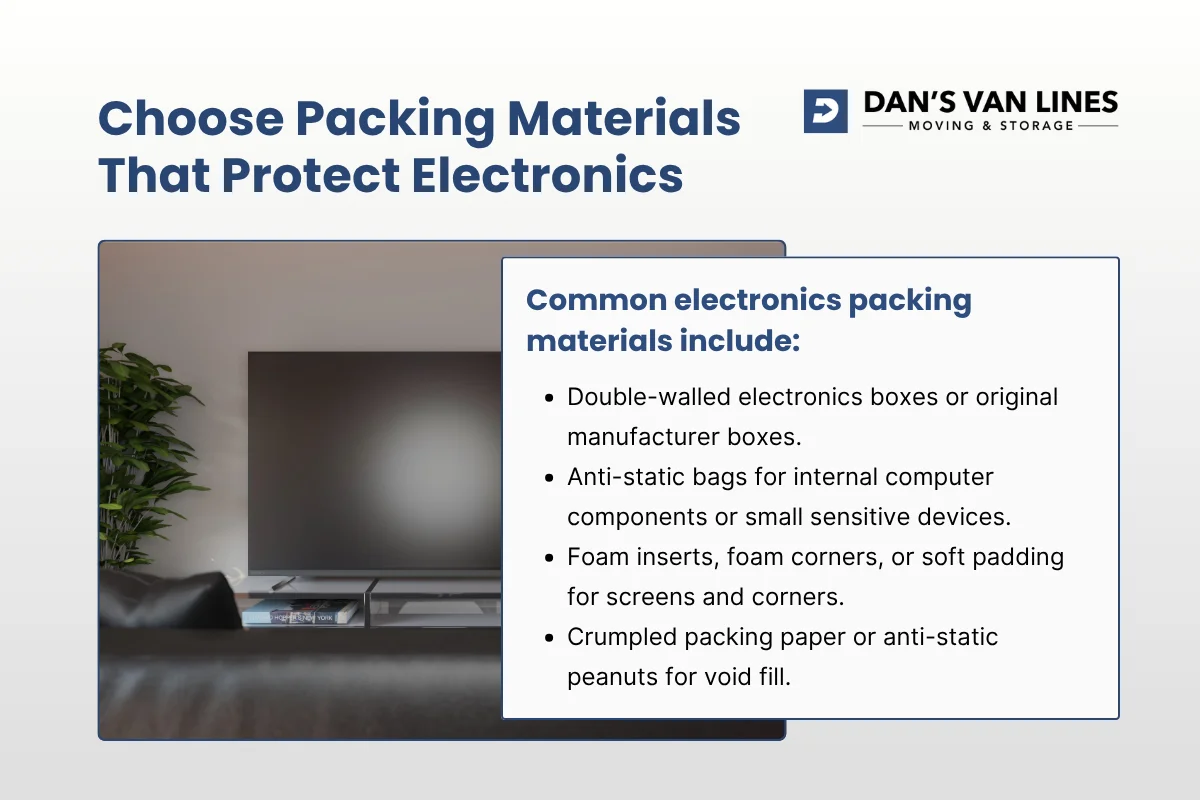
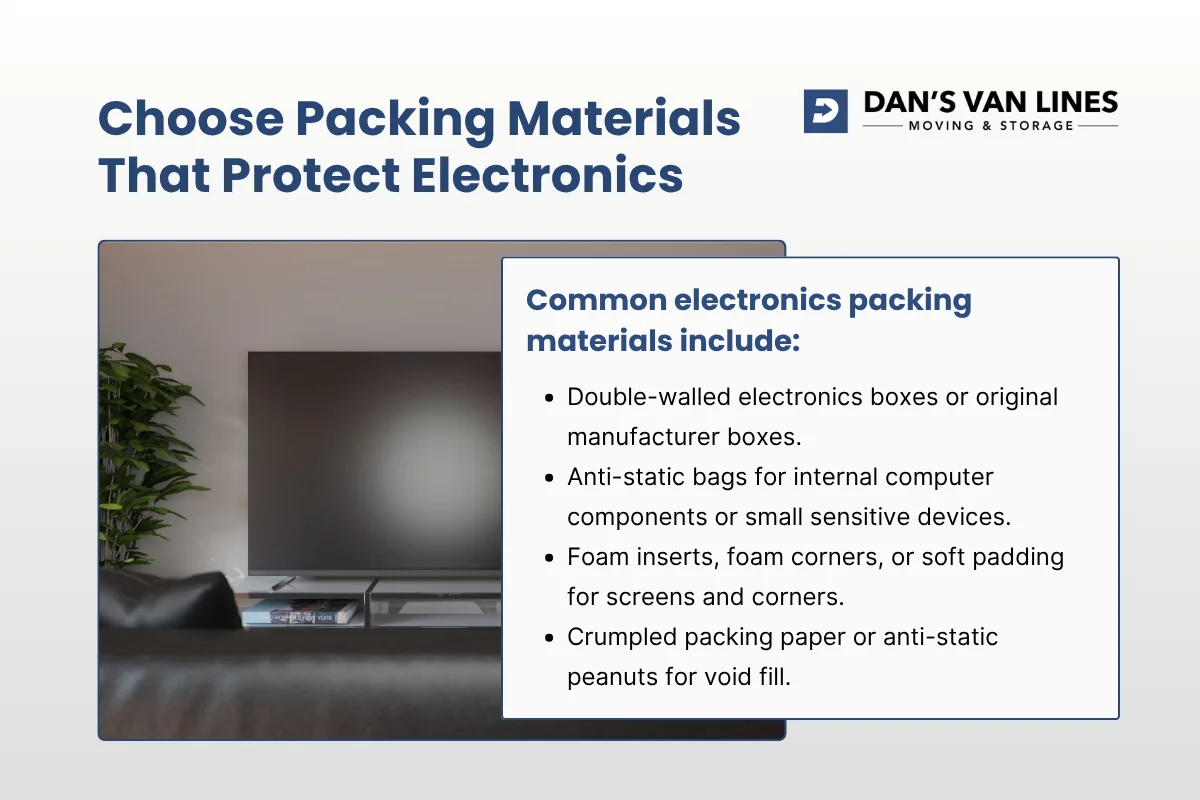
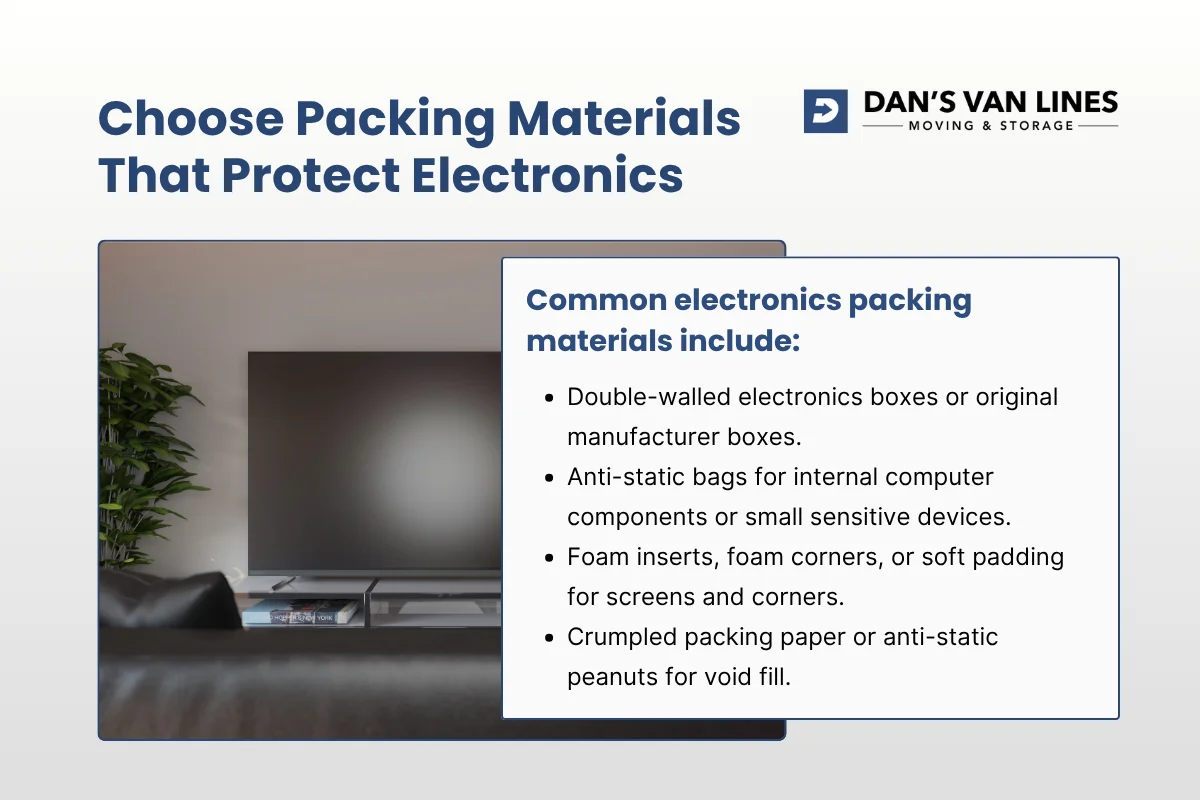
Common electronics packing materials include:
- Double-walled electronics boxes or original manufacturer boxes.
- Anti-static bubble wrap for computers, monitors, gaming systems, and specialty electronics.
- Anti-static bags for internal computer components or small sensitive devices.
- Foam inserts, foam corners, or soft padding for screens and corners.
- Crumpled packing paper or anti-static peanuts for void fill.
- Moving blankets or furniture pads for larger screens and boxed electronics.
- Silica gel packets to help control humidity inside electronics boxes.
- Strong packing tape applied across seams in an “H” pattern.
Moisture and temperature also matter, especially for long-distance moves or storage. Silica gel packets can help control humidity around TVs and sealed devices. After arrival, electronics should be allowed to acclimate for about 24 hours before being powered on, which helps reduce the risk of condensation damage inside circuits.

Use Cable Photos, Labels, and Inventory Lists to Make Reassembly Easier
Cables are one of the most frustrating parts of moving electronics. A TV setup, desktop workstation, gaming system, or office network can include many cords that look similar once disconnected. Good labeling saves time at the destination and also supports documentation if a claim becomes necessary.
Before unplugging anything, take clear photos of the back panels of computers, TVs, receivers, monitors, routers, and other connected devices. These photos show where each cable connects and provide a visual map for reassembly. For multi-device AV racks or office setups, take photos from several angles so every connection is captured.
Colored stickers and written labels can make the process even easier. A practical method is to place matching colored stickers on each end of a cable and on the corresponding device sockets. Then wrap a white label or painter’s tape around the cable and write what it connects, such as “Blu-ray player / TV HDMI 1” or “Monitor power.”
Once labeled, cables should be coiled neatly and secured with twist ties, rubber bands, or similar ties. They should not be left loose in boxes where they can snag, bend connectors, or press into screens. When possible, place each device’s cables and accessories in a labeled bag, then keep that bag with the main device or in a clearly marked accessory box.
A written inventory is also useful for both households and businesses. List each major electronic item by make, model, serial number, and estimated value. Note existing scratches, dents, or cosmetic issues before packing. Photographs should match the inventory so there is a clear record of condition before the move.
How to Pack a TV for Moving So the Screen Stays Upright and Protected
Flat-screen TVs and large monitors require careful handling because screens are fragile and costly to replace. The screen needs direct protection, the corners need padding, and the entire unit needs to stay upright during packing, loading, transit, and unloading. Laying a TV flat can put uneven pressure on the glass and internal layers.
Protect the screen before wrapping the whole TV
If you have the original TV box with its molded supports, use it. Original TV packaging is often the best option because it is designed to suspend the device away from impact zones and protect corners, edges, and the screen. If the original box is worn, reinforce seams with strong tape and consider placing it inside a larger, newer carton with additional cushioning.
When the original packaging is not available, use a specialty flat-screen TV moving box. Screen protector kits designed for flat-panel TVs are recommended because they cover the screen surface. If a dedicated kit is not available, a cut-to-size piece of cardboard or foam can be placed over the screen as a firm protective layer.
Do not tape directly to the screen surface. After the screen is covered, wrap the TV in bubble wrap, soft foam sheets, a moving blanket, or furniture pads. Foam corners or soft padding should be placed at each corner because corners are high-stress points during handling.
Box the TV with no shifting space inside
After wrapping, slide the TV gently into the box in an upright position. Fill remaining gaps with furniture pads, foam, bubble wrap, or crumpled packing paper so the TV cannot shift. Newspaper should not be used against screens because ink can transfer and paper can scratch.
The carton should be labeled “FRAGILE” and “UPRIGHT ONLY.” Add arrows if needed so the proper orientation is clear. No heavy items should be stacked on top of the TV box.
Professional movers typically load boxed TVs along the truck wall and secure them with straps or bars so they stay upright and do not shift. When customers ask us about specialty moving for delicate items, this kind of screen protection and upright securing is exactly the type of planning that matters most.
How to Pack a Computer for Moving Without Static or Internal Damage
Computers need protection from impact, static electricity, loose internal parts, and poor orientation. A desktop tower, monitor, keyboard, mouse, docking station, external drive, and accessories should not all be thrown into one carton together. Each major component needs its own support and cushioning.
When learning how to pack computer for moving, start with data and internal preparation. Back up all important files. Fully shut down the computer. Disconnect peripherals only after power is off. Dust can be removed using compressed air or a vacuum attachment so it does not shift and become trapped during packing.
For desktop PCs, heavy or fragile internal components may need special care. Experienced PC packers may remove graphics cards and pack them separately in anti-static bags and original boxes, then cushion those boxes inside a larger carton. For water-cooled systems, guidance warns against moving the computer with fluid still in the loop. The system should be drained before transport to avoid leaks and damage.
Towers should be wrapped in multiple layers of anti-static bubble cushioning and kept upright. Place cushioning on the bottom of the box first, then set the tower upright in the center. Fill all open spaces with packing paper, anti-static peanuts, or other suitable void fill so the tower cannot move.
Monitors should be packed like smaller flat screens. Protect the screen with foam or cardboard, wrap the monitor in anti-static bubble wrap or soft padding, and place it upright in a sturdy box with cushioning on all sides. Keyboards, mice, webcams, speakers, external drives, and other peripherals should be wrapped or bagged individually.
The two forms of liability coverage required for interstate movers make documentation important, but the best first step is still prevention. Careful computer packing reduces the risk of damage and makes any post-move troubleshooting much easier.
Double Boxing Adds Protection for High-Value Electronics
Double boxing is a useful technique for high-value, fragile, or unusually sensitive electronics. It adds another layer of structural strength and cushioning around the already packed item. This is especially helpful when the original packaging is older, previously used, or not strong enough by itself for repeated handling.
The process starts by packing the device in its first box with proper cushioning. If the original manufacturer box is available, use the custom inserts and secure the item inside. Then place that first box inside a larger, sturdy double-walled outer carton with added padding on all sides.
A desktop tower, for example, might be secured in its original box with foam inserts, then placed inside a double-walled outer carton with 2 to 3 inches of packing paper or bubble wrap around it. Cameras, specialist audio gear, gaming consoles, and other high-value devices can be handled in a similar way.
Double boxing works best when the outer box is not too large. Extra space should be filled completely so the inner box cannot slide or shift. After sealing, apply strong tape in an “H” pattern across the seams and label the carton clearly with orientation and fragile handling instructions.
Surge Protection and Power Setup Deserve Attention Before and After the Move
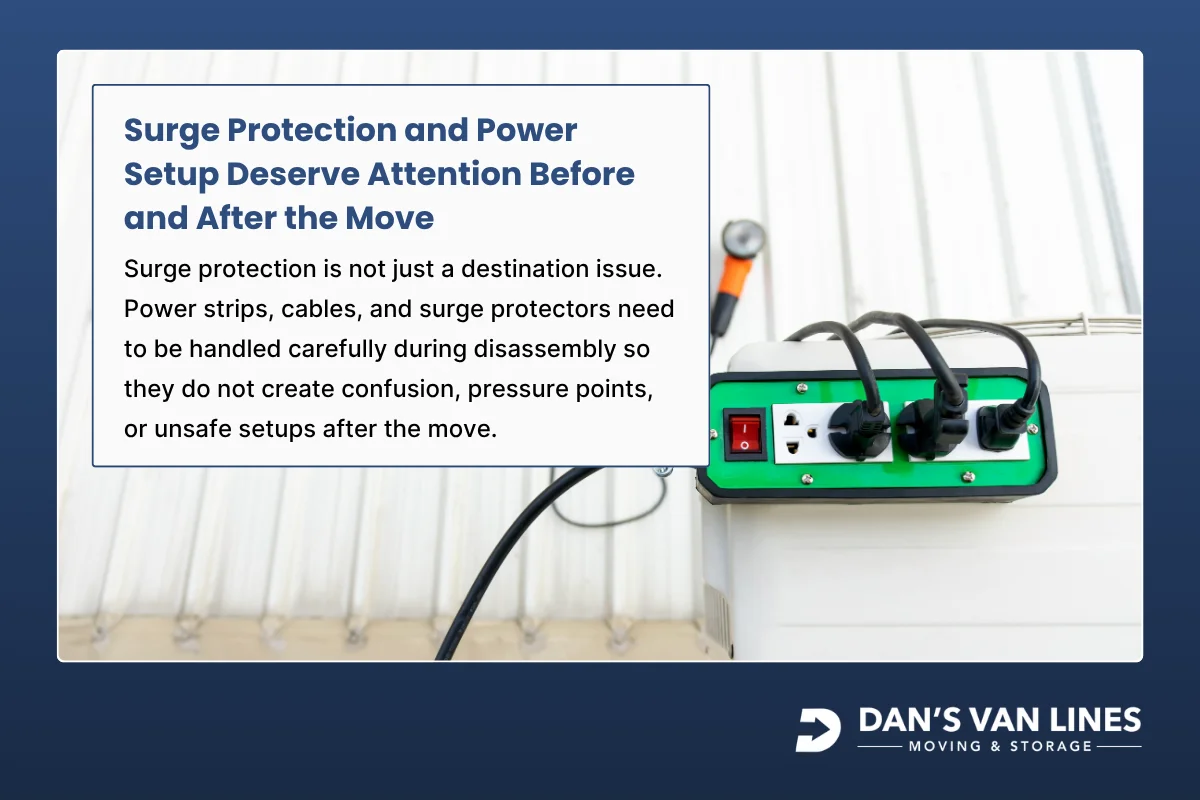
Surge protection is not just a destination issue. Power strips, cables, and surge protectors need to be handled carefully during disassembly so they do not create confusion, pressure points, or unsafe setups after the move. A little extra organization can prevent problems when reconnecting computers, entertainment systems, and office equipment.
Before disconnecting electronics, photograph surge protector setups and power strip connections. This is useful for complex AV systems, workstations, and office equipment. It creates a quick reference for safely restoring the same arrangement later.
Surge protectors should be inspected before reuse. If they are old or show wear, replacement may be recommended to help protect electronics from power spikes at the destination. Cables should be coiled neatly, secured, and kept from dangling in boxes where they can snag or press against screens, ports, or connectors.
Power cords should be grouped with the correct device whenever possible. A labeled bag for each device keeps the power cord, adapters, remotes, and smaller accessories together. For office equipment, labels such as “Conference room TV,” “Reception monitor,” or “Office PC #3 accessories” make setup more efficient.
How Professional Movers Pack TVs and Computers
Professional movers use a consistent process because electronics are both fragile and valuable. The work is not only about wrapping the device. It includes disconnecting, labeling, choosing the correct carton, protecting screens and corners, controlling movement inside the box, and keeping items in the correct orientation.
For TVs, movers typically unplug all cables and accessories, bundle them by device, and label each set. The screen is covered with foam, cardboard, a screen protector, or bubble wrap. The full unit is then wrapped in pads, blankets, or additional cushioning before being placed upright into a sturdy box.
TV cartons are marked so the upright orientation is clear. The TV is then loaded along the truck wall and secured to prevent shifting. Movers avoid placing heavy objects on top of the box because pressure from above can damage the screen or internal components.
For computers, professional packing focuses on anti-static protection and separate boxing. Towers, monitors, keyboards, and peripherals are wrapped individually. Large monitors and towers are kept upright and placed in double-walled cartons with cushioning beneath and void fill around them.
Some moving situations call for extra care. Mission-critical systems, primary business workstations, servers, or especially sensitive computer equipment may be transported personally rather than placed with the general household or office load. Sensitive electronics may also benefit from climate-controlled handling when extreme heat or cold is a concern.
Insurance and Valuation Considerations for Electronics During a Move
Electronics are often among the highest-value items in a move, so valuation choices deserve careful review. Moving coverage can be misunderstood because valuation coverage is not the same as insurance. It defines the mover’s contractual responsibility for goods if they are lost or damaged during the relocation.
For interstate moves, movers must offer Full Value Protection and Released Value. Full Value Protection generally makes the mover liable for replacement value, repair, or replacement with items of like kind and quality, subject to deductibles, limits, and other terms. Released Value is a lower default option based on a set amount per pound per article.
The difference can matter a lot for electronics. Released Value is commonly limited to $0.60 per pound per article, so a lightweight but expensive device may be covered for far less than its replacement value. A 20-pound TV, for example, could have very limited coverage under that approach compared with its actual value.
Moving-industry explanations note that valuation coverage is not insurance, and separate third-party moving insurance may be purchased for broader protection beyond a mover’s valuation limits. Customers should review how high-value electronics are handled, including whether certain devices are considered extraordinary value items that must be listed separately.
Documentation is essential if you need to support a claim. Keep receipts or appraisals for high-end electronics when available. Take clear photos from multiple angles before packing. Record serial numbers, estimated values, existing damage, and whether original packaging was used.
For a household, a spreadsheet or printed checklist is often enough. For a business move, asset-management records may already contain the needed make, model, serial number, and value information. Match box labels to the inventory, such as “Desktop #2, serial ending 493,” so each carton can be tracked during setup.
A Practical Electronics Packing Checklist for Moving Day
A checklist helps prevent last-minute shortcuts. Electronics packing involves many small steps, and skipping one can create problems later. Use this list after you have gathered proper boxes, anti-static materials, screen protection, labels, and inventory details.
The goal is to keep each device protected, documented, and easy to set up at the destination. This checklist works for common household electronics and many office devices. Larger business systems or specialty equipment may need additional planning based on value, fragility, and operational importance.
Before sealing any electronics carton, confirm that the device cannot shift inside the box. A box that rattles or flexes is not ready to move. Add more cushioning until the item is stable and supported on all sides.
- Back up computer data before packing desktops, laptops, or external drives.
- Fully shut down devices before disconnecting power cords and peripherals.
- Take photos of cable connections before unplugging TVs, computers, receivers, and office setups.
- Label cords with colored stickers, painter’s tape, or written tags.
- Remove batteries from remotes and portable devices.
- Remove printer ink or toner cartridges and pack them separately in sealed plastic bags.
- Use original packaging when available, or choose sturdy double-walled electronics boxes.
- Use anti-static bubble wrap or anti-static bags for computers and sensitive electronics.
- Protect TV and monitor screens with foam, cardboard, or screen protector kits.
- Keep TVs, monitors, towers, and all-in-one computers upright.
- Use double boxing for high-value or especially fragile electronics.
- Label boxes “FRAGILE,” “THIS SIDE UP,” or “UPRIGHT ONLY” as appropriate.
- Create an inventory with make, model, serial number, estimated value, and condition notes.
- Review valuation or insurance options before moving day.
- Let electronics acclimate for about 24 hours after arrival before powering them on.

Pack Electronics With a Plan That Matches Their Value and Fragility
Electronics packing is most successful when every device is treated according to its risk. A basic speaker may need careful wrapping and labeling. A large TV needs screen protection, upright transport, and a sturdy carton. A gaming PC or business workstation may need anti-static materials, internal preparation, double boxing, and added documentation.
The same principle applies to surge protection and cable management. Photographing, labeling, bundling, and bagging cords prevents confusion at the destination. Inspecting worn surge protectors before reuse helps protect devices once they are plugged in again.
Insurance and valuation choices should be reviewed before the move, not after damage occurs. Document condition, record serial numbers, and understand the difference between Full Value Protection, Released Value, valuation coverage, and separate insurance options. The more valuable the electronics, the more important that paperwork becomes.
If you want help packing or moving TVs, computers, monitors, office electronics, or specialty devices, Dan’s Van Lines can help you plan the right approach for your move. Get a Quote through our contact page or call (703) 553-0900.



















.webp)
%20(1).webp)
.webp)

.webp)
.webp)
.webp)
.webp)


.avif)
%201.svg)

%201.svg)
%201.svg)