
.webp)
Moving a TV, especially a large flat-screen or ultra-wide monitor, is one of the most delicate tasks during a household move. TVs are not only expensive but also highly susceptible to damage from improper handling, packing, or transport. Whether you’re relocating across Alexandria, VA, or preparing for a long-distance move, understanding the right way to move your TV can save you from costly repairs or replacement. This guide walks you through every step, from preparation to setup in your new home, ensuring your TV arrives safely and is ready for use.
Serving Alexandria, VA, Dan's Van Lines combine local expertise with long distance moving experience. If you have any questions at any point in this guide, do not hesitate to contact us.
Why TVs Require Special Care During a Move
Modern televisions are marvels of engineering, but their sleek design comes with significant fragility. Today’s flat-screen TVs feature ultra-thin glass panels and lightweight frames, which are far more delicate than the bulky, reinforced casings of older tube televisions. The internal components, such as LED, OLED, or LCD panels, are tightly layered and highly sensitive to pressure, vibration, and impact. Even a minor bump or flex can cause cracks, dead pixels, or internal separation that is often impossible or prohibitively expensive to repair.
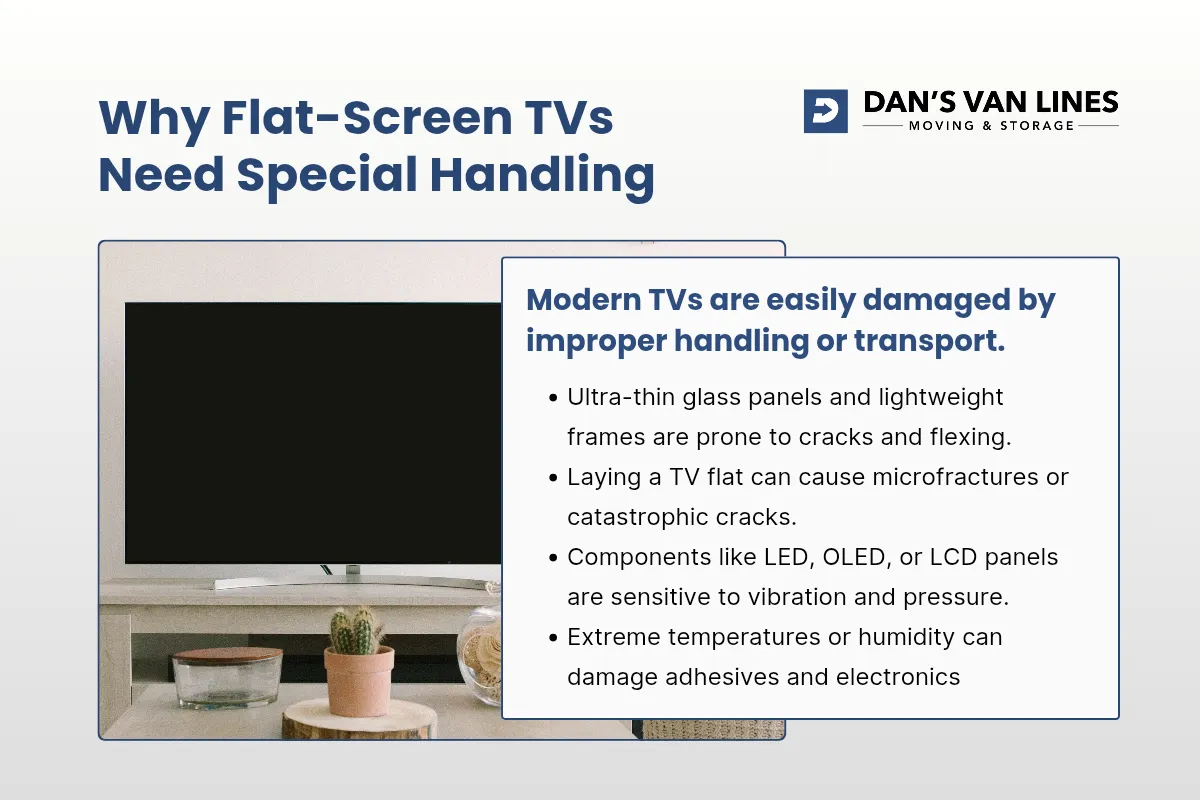
Unlike older CRT models, which could withstand some rough handling, flat-screen TVs are engineered to be weight-balanced only when upright. Laying a TV flat, even for a short period, puts uneven stress on the center of the panel. This can cause the glass or internal layers to flex, leading to microfractures or catastrophic cracks, especially if any object is accidentally placed on top. The risk is even greater during transport, where road vibrations and sudden stops can amplify these stresses and cause damage that may not be immediately visible but can worsen over time.
Additionally, the lightweight frames and slim bezels of modern TVs offer little structural support against twisting or bending. If a TV is allowed to shift inside a box or is not properly immobilized, the momentum from a sharp turn or bump in the road can transfer directly to the screen or corners, resulting in chips, cracks, or even a shattered display. The mounting hardware, ports, and connectors are also vulnerable to strain if cables are not disconnected and organized before moving lightweight frames and slim bezels.
Environmental factors further complicate the process. Exposure to extreme temperatures or humidity during a move can affect the adhesives and electronics inside the TV, potentially leading to malfunction or reduced lifespan. For these reasons, careful planning, the use of purpose-built packing materials, and strict attention to handling and orientation are essential. Treating your TV as a fragile, high-value item is the best way to ensure it arrives at your new home in perfect working condition.
Gathering the Right Supplies Before You Start
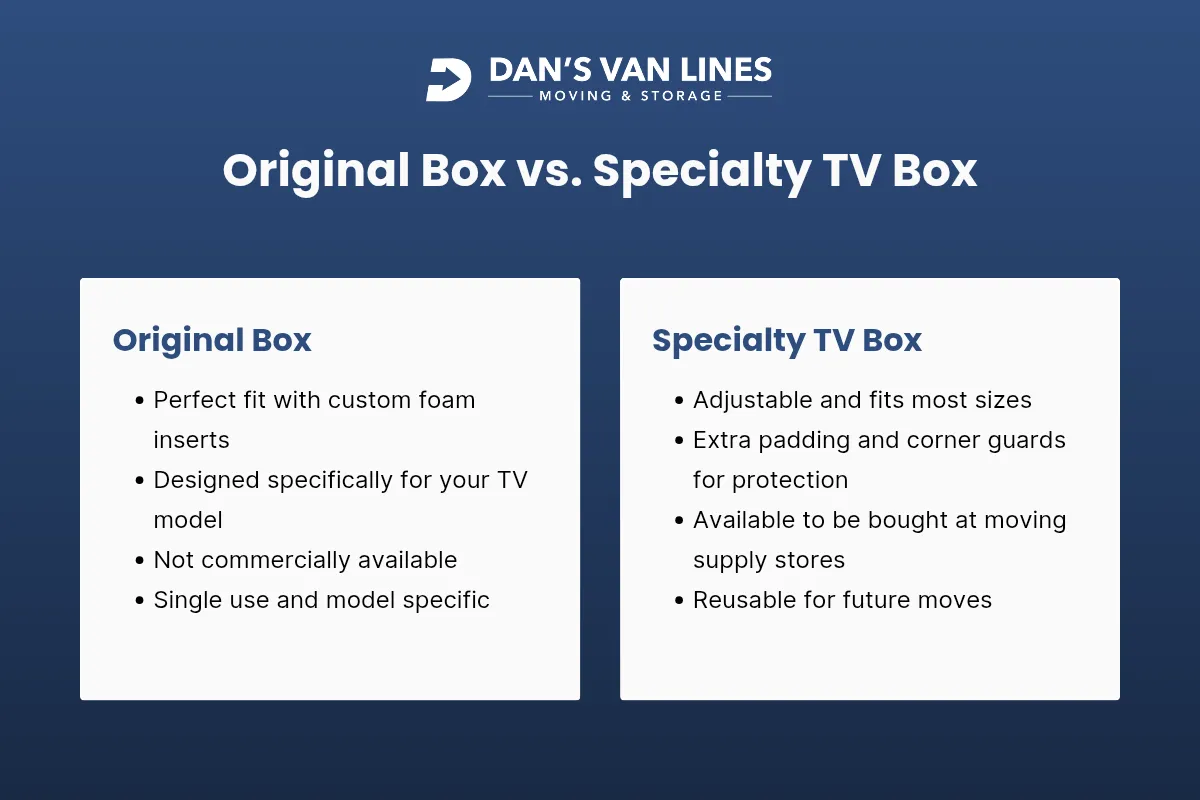
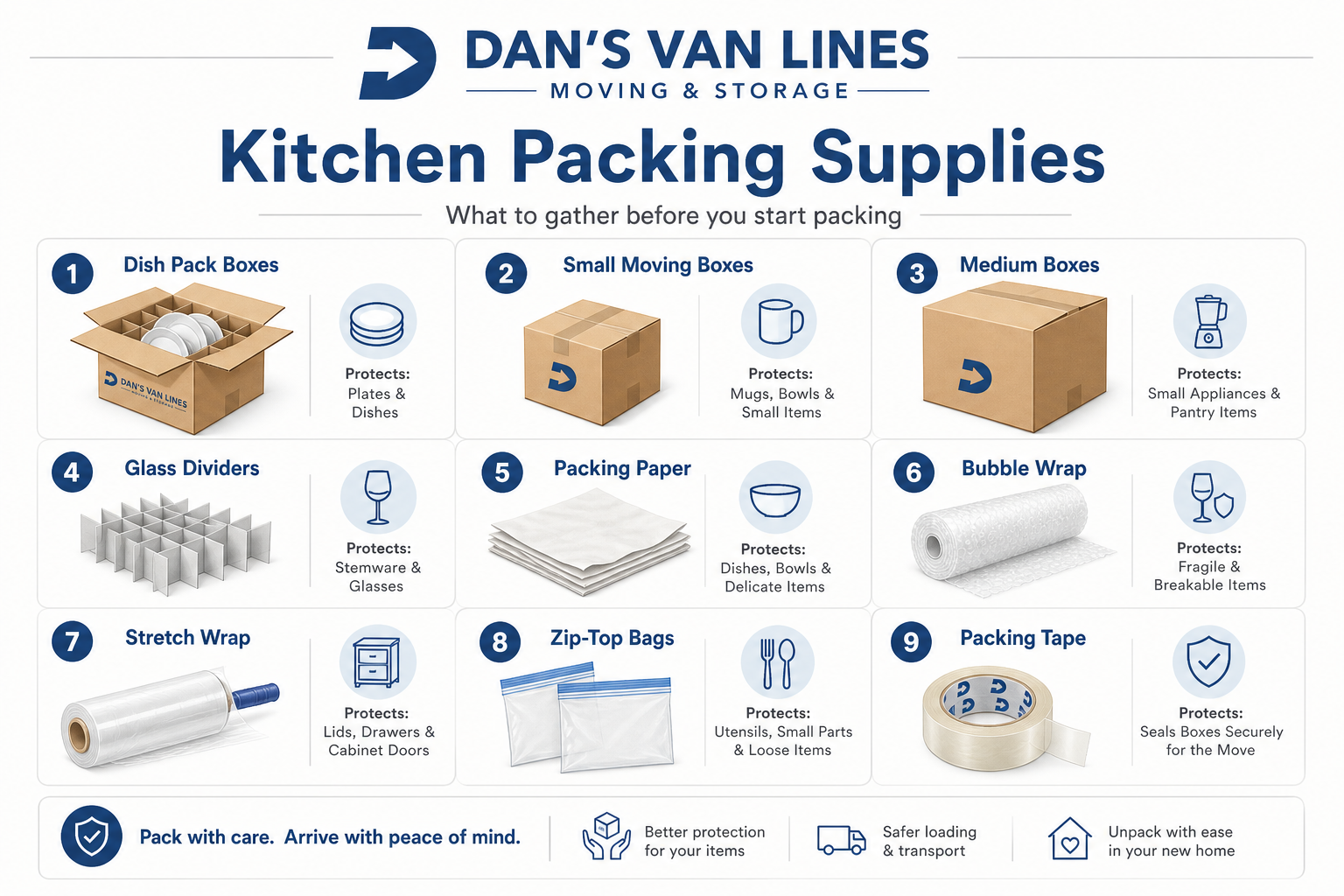
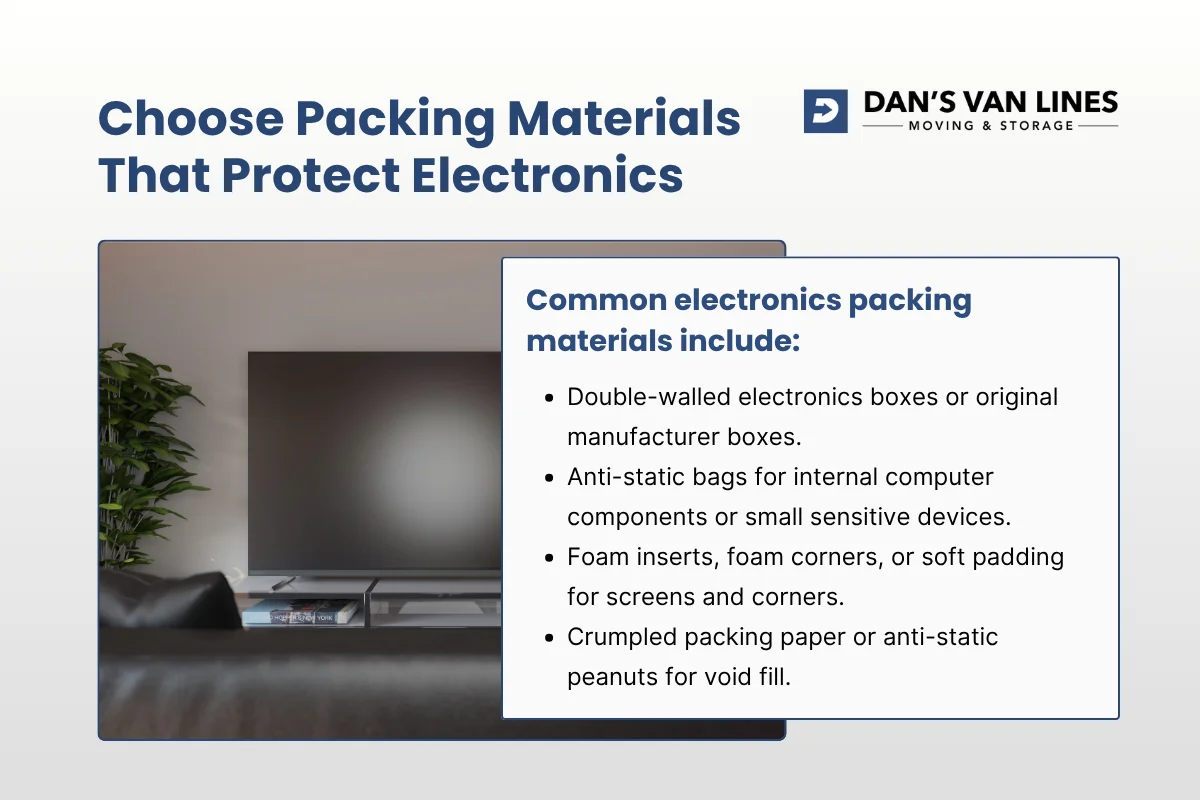
Before you unplug or move your TV, assemble all necessary packing materials. Using the right supplies is crucial, improvised solutions like towels or loose blankets often leave gaps or create pressure points that can crack the screen. Specialty TV moving kits and boxes are designed to fit snugly around your TV, providing the best protection. If you still have the original packaging, it’s almost always the safest option.
- Flat-panel TV box or original packaging
- Moving blankets or padded furniture pads
- Bubble wrap and foam corner protectors
- Packing tape and cable ties
- Labeled bags for cables, remotes, and accessories
- Soft towels or microfiber cloths for cleaning
Specialty TV moving kits from moving supply companies often include adjustable boxes and foam inserts that grip the frame and corners without pressing on the screen.
Step 1: Disconnect and Organize Cables and Accessories
Before physically moving your TV, disconnect all cables and accessories. This step prevents accidental strain on ports and makes reassembly much easier in your new home. Many moving experts recommend taking clear photos of the back of your TV and connected devices. These photos serve as a visual reference for reconnecting everything correctly after the move.
- Unplug cables in order: power, HDMI, audio, USB
- Coil each cable loosely and secure with a twist tie or cable tie
- Place all cables, remotes, and small accessories in a labeled bag
- Consider labeling both ends of each cable for faster setup
- Store the bag with your “essentials” or tape it to the back of the TV
Organizing cables now saves time and frustration later, reducing the risk of lost or mismatched connections.
Step 2: Clean the TV Before Packing
Cleaning your TV before wrapping it prevents dust or grit from scratching the screen when padding is applied. Use a vacuum with a brush attachment or a dry cloth to clean the frame and vents. For the screen, use a slightly damp microfiber cloth and a screen-safe cleaner. Make sure the TV is completely dry before packing to avoid trapping moisture, which can damage electronics or leave marks.
Step 3: Remove Mounts, Stands, and Accessories
Detach any wall mounts, stands, or external accessories from your TV. This reduces stress on the frame and prevents bending or cracking during the move. Use the appropriate screwdriver to remove wall brackets, and place all hardware in a labeled bag. Pack the stand separately with padding, or inside the main TV box if there’s enough space without pressing against the screen.
Step 4: Wrap and Pad the TV for Maximum Protection
This is the most critical step. Flat screens are extremely fragile, and damage is often permanent. Start by placing foam corner protectors on all four corners. Then, wrap the entire screen area in a soft layer, such as a clean sheet, TV screen cover, or moving blanket. Add a layer of bubble wrap or padded paper on top, ensuring that hard plastic never touches the glass directly.
- Foam corner protectors shield impact points
- Soft layer (sheet or blanket) prevents scratches
- Bubble wrap or padded paper adds shock absorption
- Secure all layers with tape or straps, but never let tape touch the screen
For oversized TVs (65 inches and above), use extra padding and consider a reinforced TV box or crate. Professional movers often use three or more full-size moving pads inside a large TV box to create a cushioned “cocoon” that absorbs vibration during transport.
Step 5: Box or Crate the TV Securely
If you have the original box, insert the foam supports and slide the TV in upright. Tape the box shut and label it as fragile. For a specialty TV box, slide the wrapped TV into the inner sleeve upright, then slide the outer sleeve over it. Fill any gaps with moving blankets, foam sheets, or crumpled packing paper to eliminate movement. Seal the box with strong packing tape and label it “FRAGILE – SCREEN – KEEP UPRIGHT”.
For very large or high-value TVs, consider a custom crate with rigid foam blocks. This adds rigidity and prevents the outer structure from flexing, which could transfer pressure to the screen. The crate should be strapped to the truck or container walls to prevent tipping or side impacts.
Step 6: Transport the TV Upright and Immobilized
Never lay a flat-screen TV flat in a vehicle or moving truck. Modern TVs are designed to be weight-balanced when upright. Laying them flat puts uneven stress on the panel and can cause the glass or internal layers to flex and crack, especially if something is placed on top by mistake.
- Keep the TV box upright at all times
- Position it between two stable, flat items (like a mattress and sofa)
- Strap or tie the box to fixed points to prevent tipping or sliding
- In a personal vehicle, use seat belts or cargo straps to hold the box upright
Extra padding under the base of the TV is essential, as road vibration and small shocks travel upward from the floor. Folded moving blankets or thick foam pads at the bottom cushion vertical jolts and keep the weight off a single thin edge of glass or plastic.

Step 7: Moving a TV Without a Box (If Absolutely Necessary)
While not recommended, sometimes you may need to move a TV without a proper box. In this case, wrap the screen in multiple layers of bubble wrap, followed by a moving blanket. Secure the layers with tape or straps, keeping adhesive off the screen. Always transport the TV upright, wedged securely between soft, supportive items, and never allow hard objects to press against the screen. This method is best reserved for short, carefully controlled trips.
Step 8: Unpacking and Setting Up Your TV in the New Home
Unboxing and setup should be as deliberate as packing. Remove the TV from the box while it is still upright, ideally with two people. Carefully remove all padding, watching for any tape that might catch the bezel or vents. Place the TV on a stable surface or reattach the stand or wall mount according to the manufacturer’s instructions.
Use the photos and labels you created during disassembly to reconnect cables and devices. Start by connecting only the essentials, power and a single video source, to confirm the TV works before adding more devices. This approach helps you quickly identify any issues and ensures a smooth setup process.
Step 9: Special Considerations for Climate and Timing
Environmental conditions during the move can affect your TV’s safety. Avoid exposing your TV to extreme temperatures. If your TV has been in a very cold truck, let it sit at room temperature for a period before turning it on to allow any condensation to evaporate. This precaution helps protect sensitive electronics and adhesives inside the panel.
Frequently Asked Questions About Moving a TV
Can I move a TV by myself?
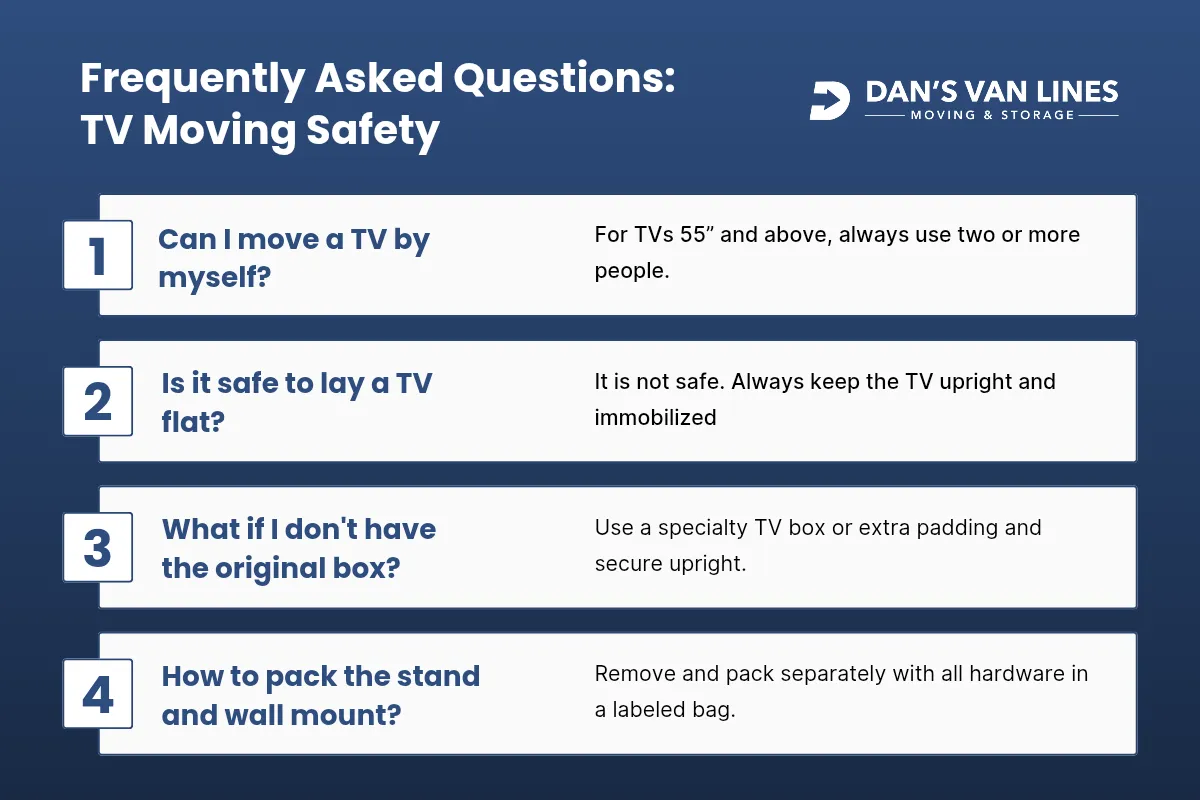
For smaller TVs, one person may be able to handle the move, but for larger screens (especially 55 inches and above), always use two or more people. This reduces the risk of dropping the TV or bumping it into walls and doorways.
Is it safe to lay a TV flat in my car or moving truck?
No. Laying a TV flat increases the risk of screen and internal damage due to uneven pressure and vibration. Always keep the TV upright and immobilized during transport.
What if I don’t have the original box?
Use a specialty TV moving box, available from moving supply stores. If that’s not possible, wrap the TV in multiple layers of padding and secure it upright between soft, stable items. Moving without a box increases risk, so take extra care with padding and immobilization.
How should I pack the TV stand and wall mount?
Remove these items from the TV and pack them separately with padding. Place all screws and hardware in a labeled bag for easy reassembly.
How do I keep track of all the cables and remotes?
Label each cable and store all accessories in a single, clearly marked bag. Consider taping the bag to the back of the TV or placing it in a “first to open” box for easy access during setup.

Trust Dan’s Van Lines for Safe, Stress-Free TV Moves
Moving a TV doesn’t have to be stressful or risky. With the right preparation, materials, and careful handling, you can protect your investment and enjoy your entertainment system in your new home without delay. At Dan’s Van Lines, our team uses proven techniques and professional-grade materials to ensure your TV and all your electronics arrive safely, whether you’re moving across Alexandria or across the country. We offer full-service packing, specialty crating, and expert handling for all your valuable items.
If you want peace of mind for your next move, contact Dan's Van Lines today. Let our experienced movers handle your TV and the rest of your household with the care and expertise you deserve.














.webp)
%20(1).webp)
.webp)

.webp)
.webp)
.webp)


.avif)
%201.svg)

%201.svg)
%201.svg)